Xcode buildsas an API.
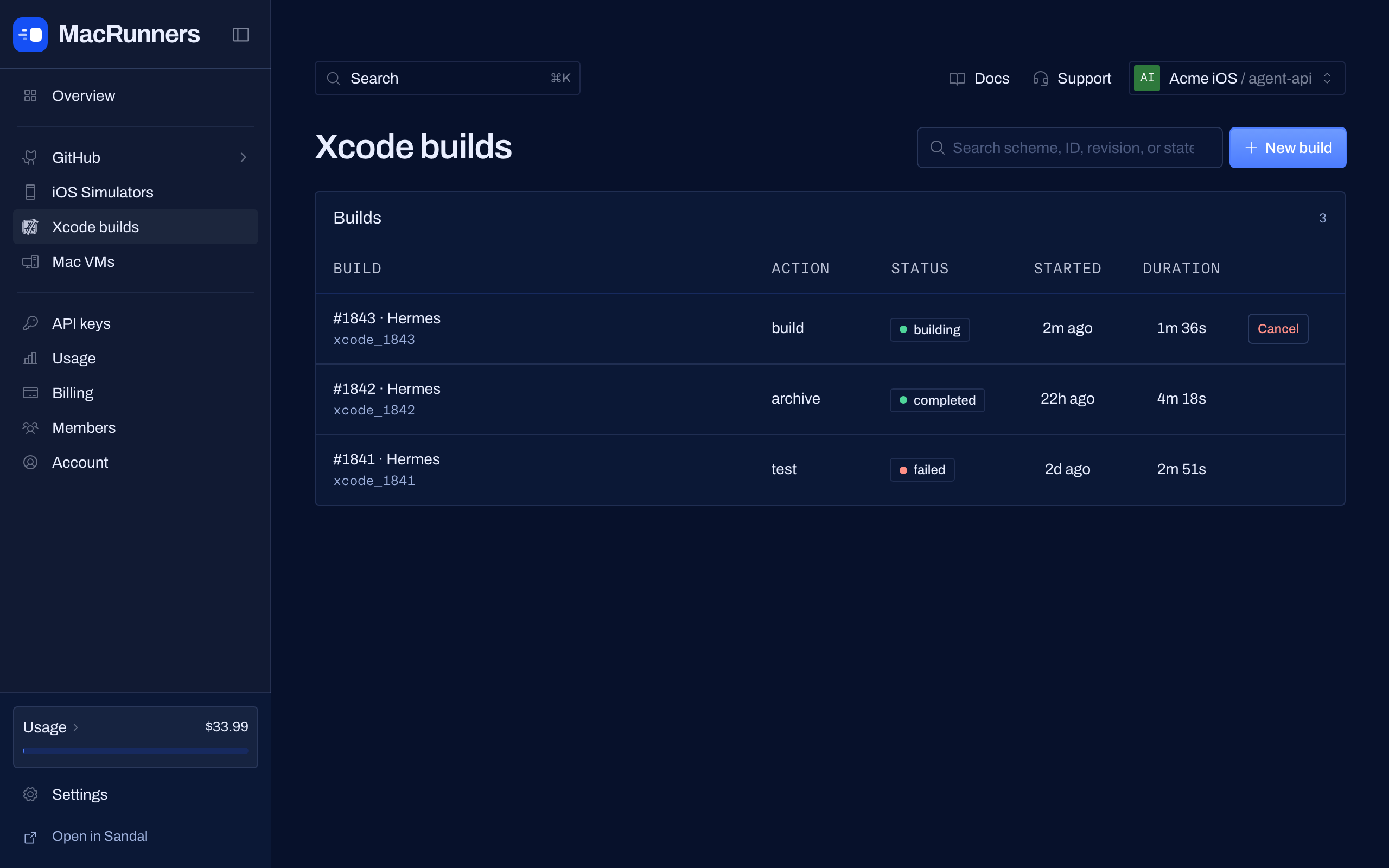
Send a repository and a scheme. Get back an .ipa, an .xcarchive, the result bundle and the logs. Every build runs in its own macOS VM on Apple silicon, and the VM is erased when xcodebuild exits.
Artifacts · build #1842 Signed links, 15 min
- build, test, archive, export
- One endpoint
- per build, erased afterwards
- A fresh VM
- artifacts are kept
- 14 days
- signing material in a build request
- None
Source in, artifact out.
For pipelines that are not GitHub Actions, and for products that build iOS apps on behalf of their own users.
Ask for a build
The destination is exactly what you would pass to xcodebuild. Logs stream as xcodebuild writes them, so a slow compile shows progress instead of silence.
Build timeline 4m 18s counted
Only the files that changed are uploaded
Source is split into chunks and hashed. The client sends only what the server does not already have, so the second build of a project uploads kilobytes. .git, Pods, DerivedData and Carthage are skipped.
- Build from a git revision or a local folder
- Second and later syncs send only the differences
Source sync 412 files · 38 changed · 1.9 MB sent
Certificates stay in the vault
Store signing certificates and profiles once. A build request carries a reference, and the material is resolved inside that build’s VM. It never travels with the request and never sits on a shared machine.
Install the result on a simulator
Pass a simulator session to the build and the finished .app is installed on it. Write code, build, see it run, read the screen, and go again without downloading anything.
What comes back
Behind signed links that last 15 minutes, or written to your own S3, GCS or R2 bucket.
| What you get | |
|---|---|
| .app | Simulator and device builds |
| .ipa | Archive builds with signing configured |
| .xcarchive | Every archive action |
| .xcresult | Every build: tests, warnings and timing |
| dSYM | Release builds with debug symbols |
| Logs | Always: the raw xcodebuild output |
| Machine | macOS VM on Apple silicon, 4 cores, 8 GB memory |
| Xcode | Xcode 27.2 and 26.6, with the matching iOS runtimes |
A build minute is a plan minute.
Builds draw on the same monthly minutes as your runners. The count runs from the moment xcodebuild starts to the moment it exits. Source sync and cache restore are not counted.No separate build planOne build uses one lane while it runsFailed builds count only the minutes they ran
macOS runners
If your pipeline is GitHub Actions, a runner is the shorter path: change one line.
The same minutes as your runners.
One plan covers runners, simulators and builds. Pick by how many jobs you run at once.
Free
Side projects and a first look
$0/ month
Free for good
- 100 minutes a month
- 1 job at once
- No credit card
Developer
One developer, one app
$11.99/ month
Billed monthly
- 1,000 minutes a month
- 1 job at once
- $0.0120 a minute
- Most teams
Team
Small teams shipping weekly
$33.99/ month
Billed monthly
- 3,000 minutes a month
- 3 jobs at once
- $0.0113 a minute
Growth
Several apps, busy pull requests
$66.99/ month
Billed monthly
- 6,000 minutes a month
- 6 jobs at once
- $0.0112 a minute
Business
Whole mobile organisations
$110.99/ month
Billed monthly
- 10,000 minutes a month
- 10 jobs at once
- $0.0111 a minute
- Talk to us
Enterprise
More than 10,000 minutes or 10 jobs at once, Macs reserved for you alone, SSO, an SLA and invoicing.
Enterprise
More than 10,000 minutes or 10 jobs at once, Macs reserved for you alone, SSO, an SLA and invoicing.
Every plan includes fresh VMs, all macOS and Xcode images, caching, SSH debugging and the console. When a plan’s minutes run out, jobs wait until you upgrade or the month renews. There is no overage bill.
Use a runner when your CI is GitHub Actions; nothing else changes. Use Xcode Builds when you want to start a build from your own code: another CI system, an internal tool, or a product that compiles apps for its users.
Get an .ipa back from an API call.
Builds use the same plan as runners. Start with the free hundred minutes.
Private beta · 100 free minutes a month